- MCMarco ContiReview requested✓ Approved
- SRSara RossiReview requested✓ Approved
- Build1m 12s
- Unit tests3m 40s
- End-to-end tests6m 02s
- Security scan48s
AI Act · NIS2
| Changeset | Approved by | Pipeline | Production |
|---|---|---|---|
| #512 Wallet payments | M. Conti, S. Rossi | #1841 ✓ | 20 Mar 09:15 |
| #511 Coupon codes | S. Rossi, L. Bianchi | #1838 ✓ | 20 Mar 09:15 |
| #510 Stock sync on returns | M. Conti | #1835 ✓ | 20 Mar 09:15 |
| #508 Rotate payment keys | A. Testa, S. Rossi | #1831 ✓ | 20 Mar 09:15 |
| #507 Order tracking page | L. Bianchi, M. Conti | #1829 ✓ | 20 Mar 09:15 |
| and 7 more changesetsand 9 more changesets | |||
- Every change reviewed and approved 12 of 12 changesets, at least one approval eachNIS2
- Pipeline passed before production 12 of 12, last run #1852NIS2
- Deployments traced Staging 18 Mar, production 20 Mar, approved by S. RossiNIS2
- AI use recorded 1 changelog drafted with Claude, Team accountAI Act
- Report fingerprint SHA-256, to show it was not changedIntegrity
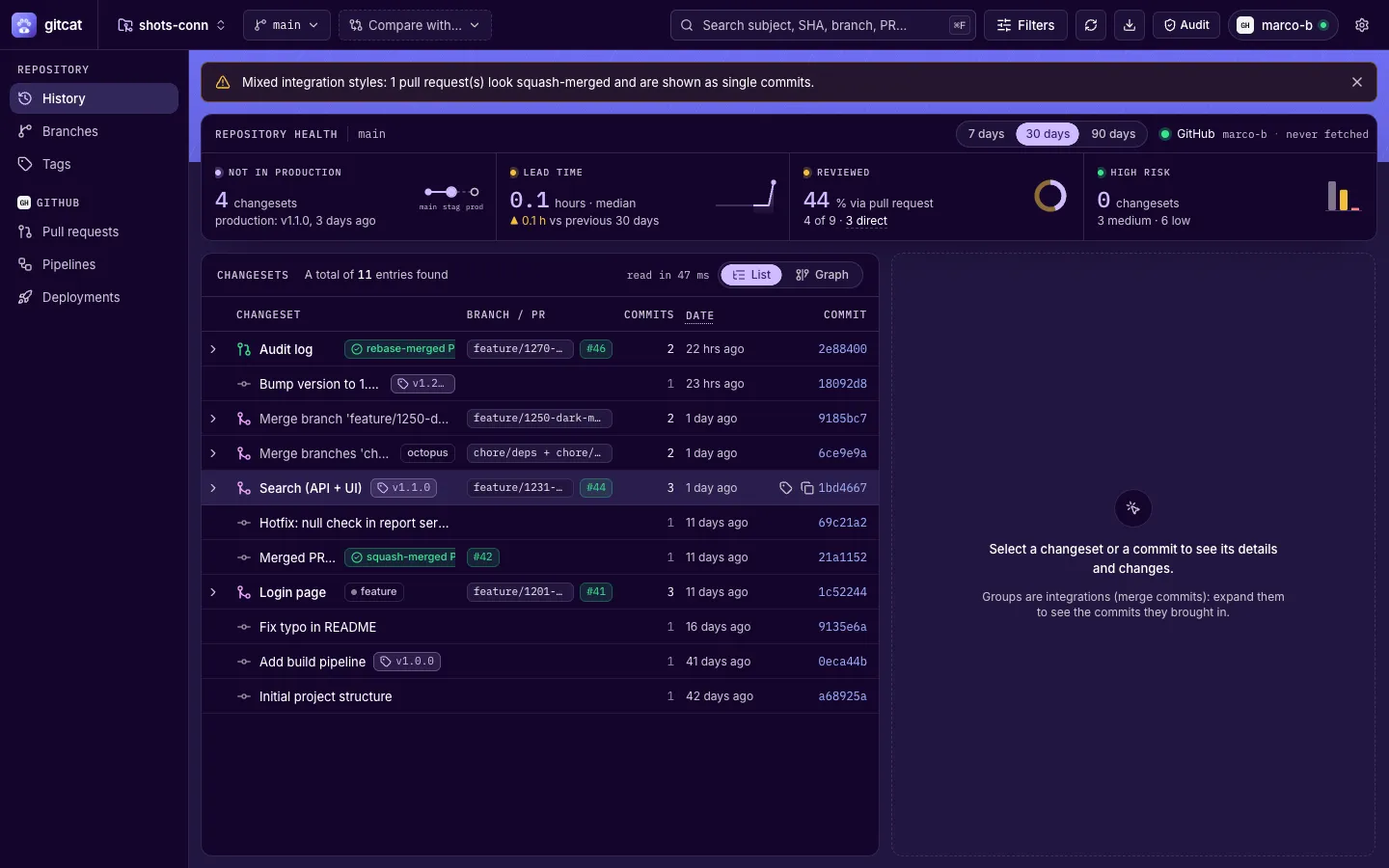
This is your main branch.
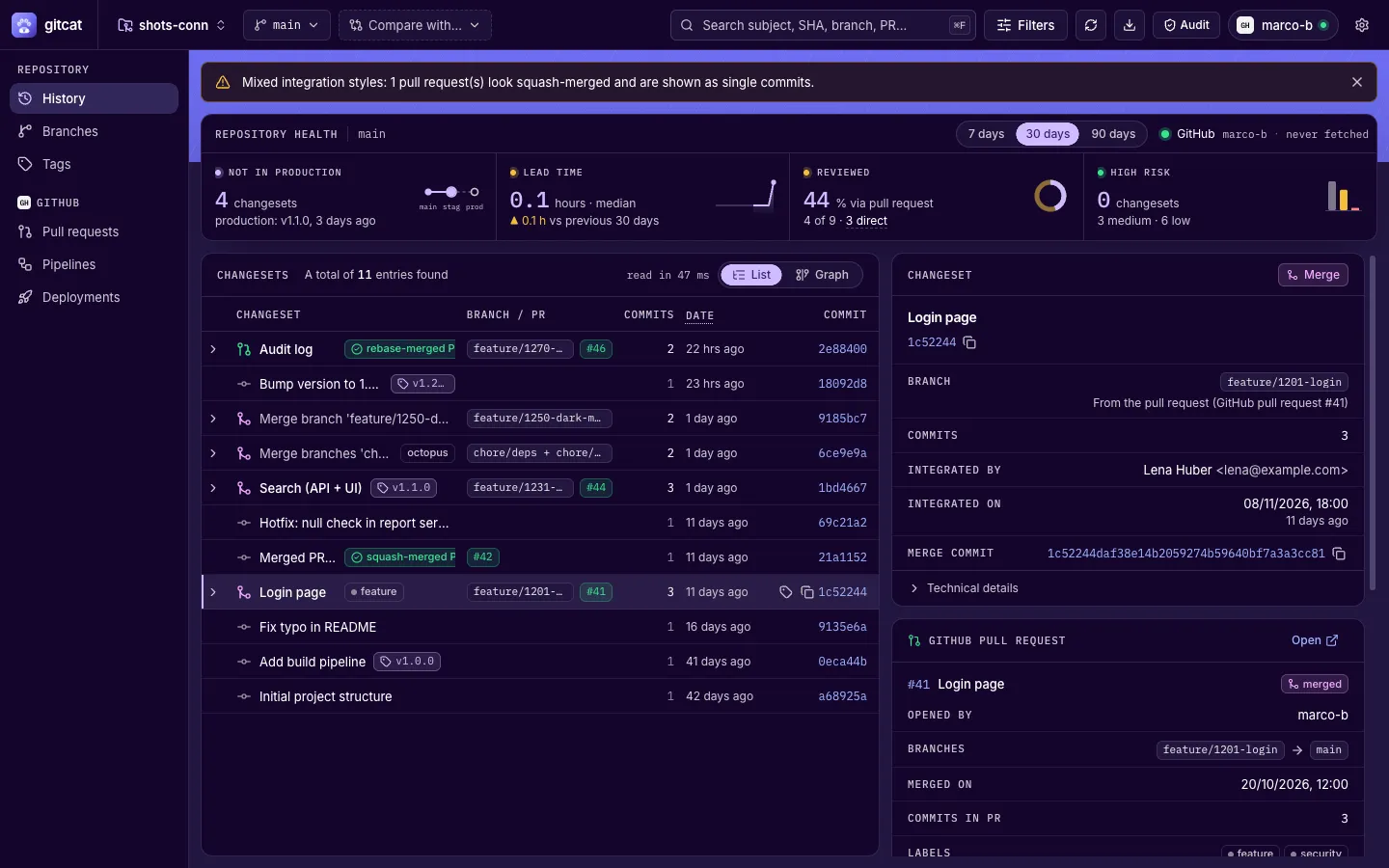
As git log shows it: feature branches interleaved, main merged back into branches, commits called “wip”. Who can tell what is in production?
mergecat untangles it.
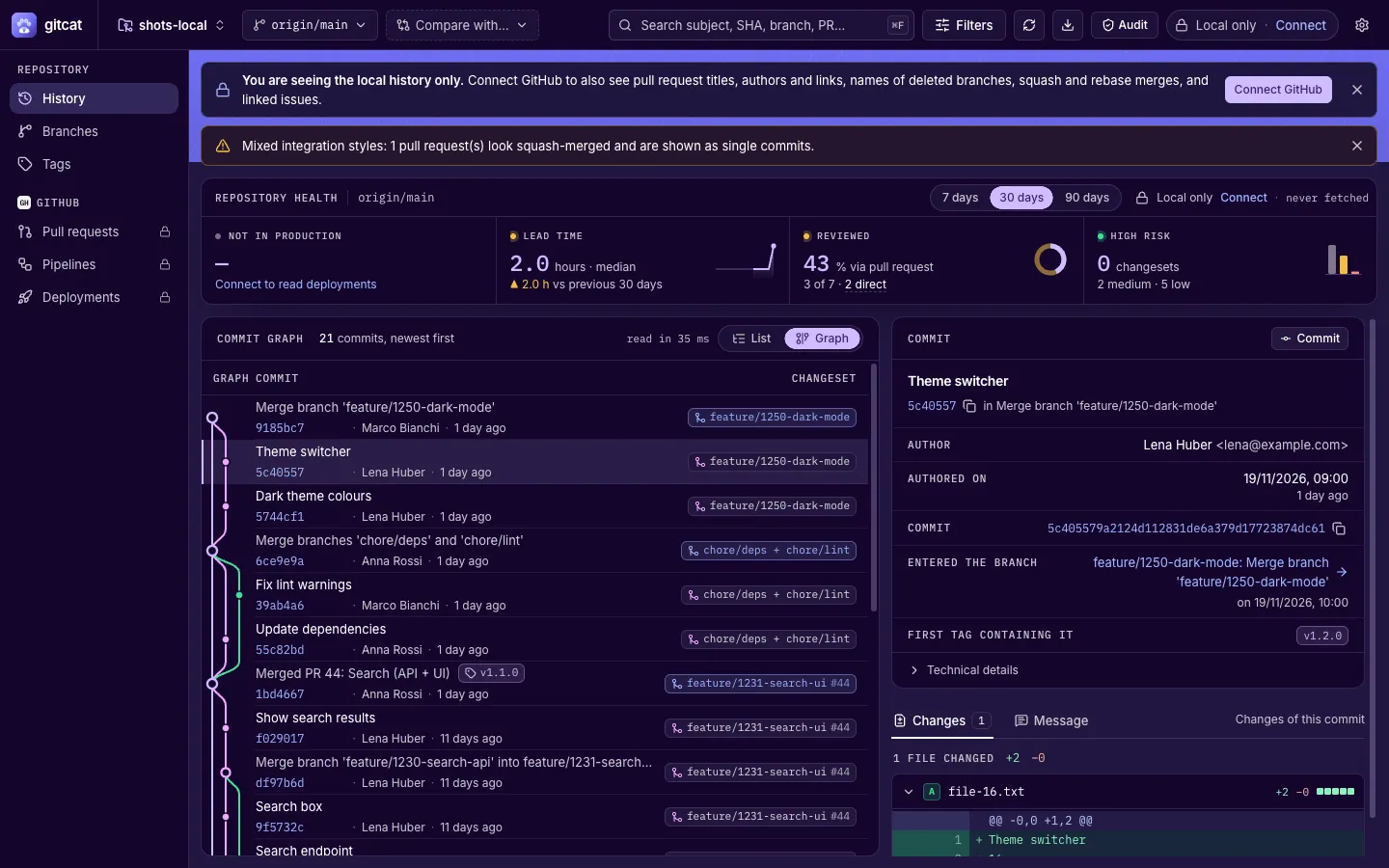
It follows the first parent of main and gathers every branch under the merge that brought it in.
One changeset per integration.
Each with its pull request, approvals, release and environment. Anyone in the team can read it.
Wallet payments at checkout.
From pull request to production, step by step.
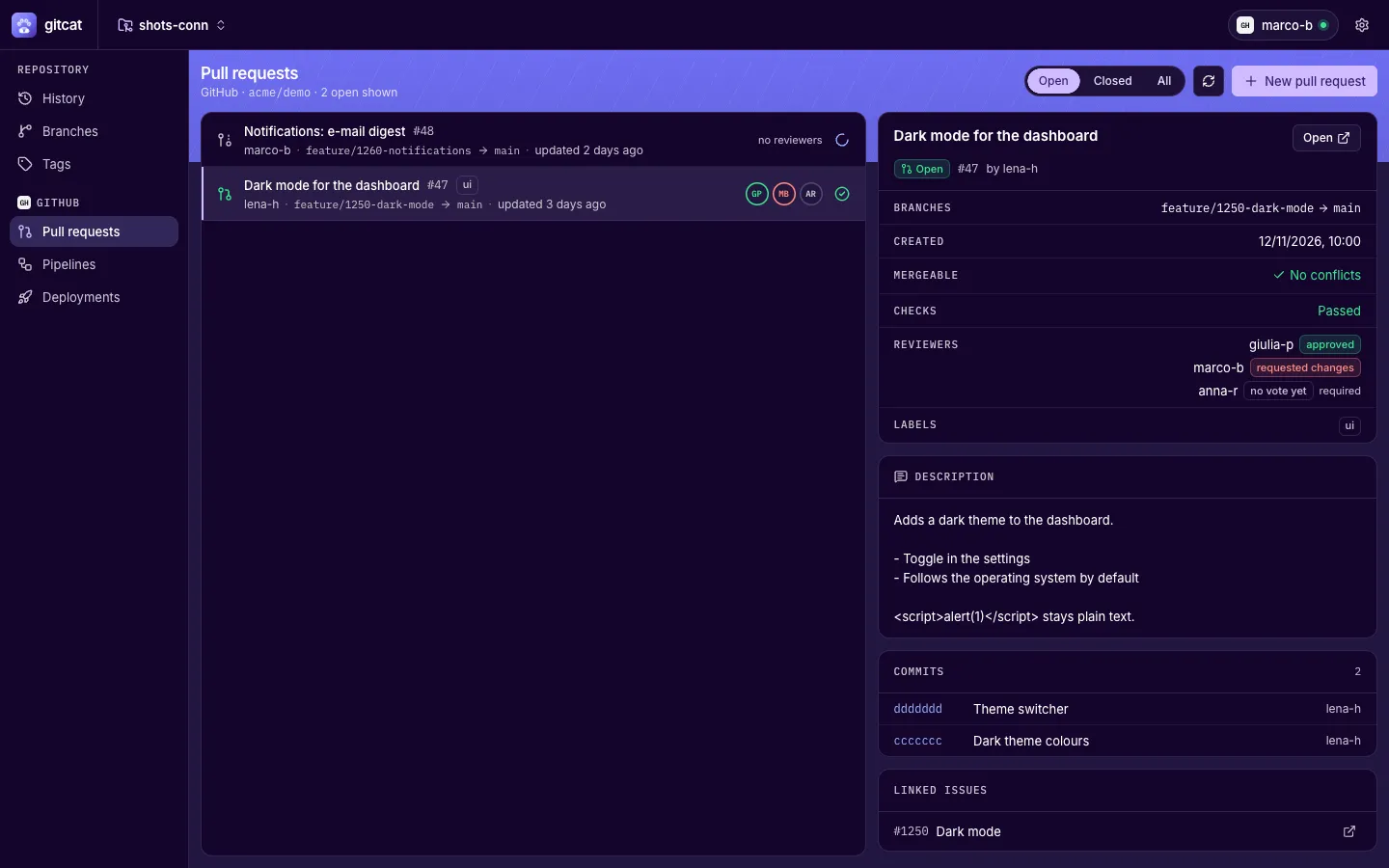
Reviewed and approved.
Who reviewed it, who approved it and when, from GitHub, GitLab or Azure DevOps.
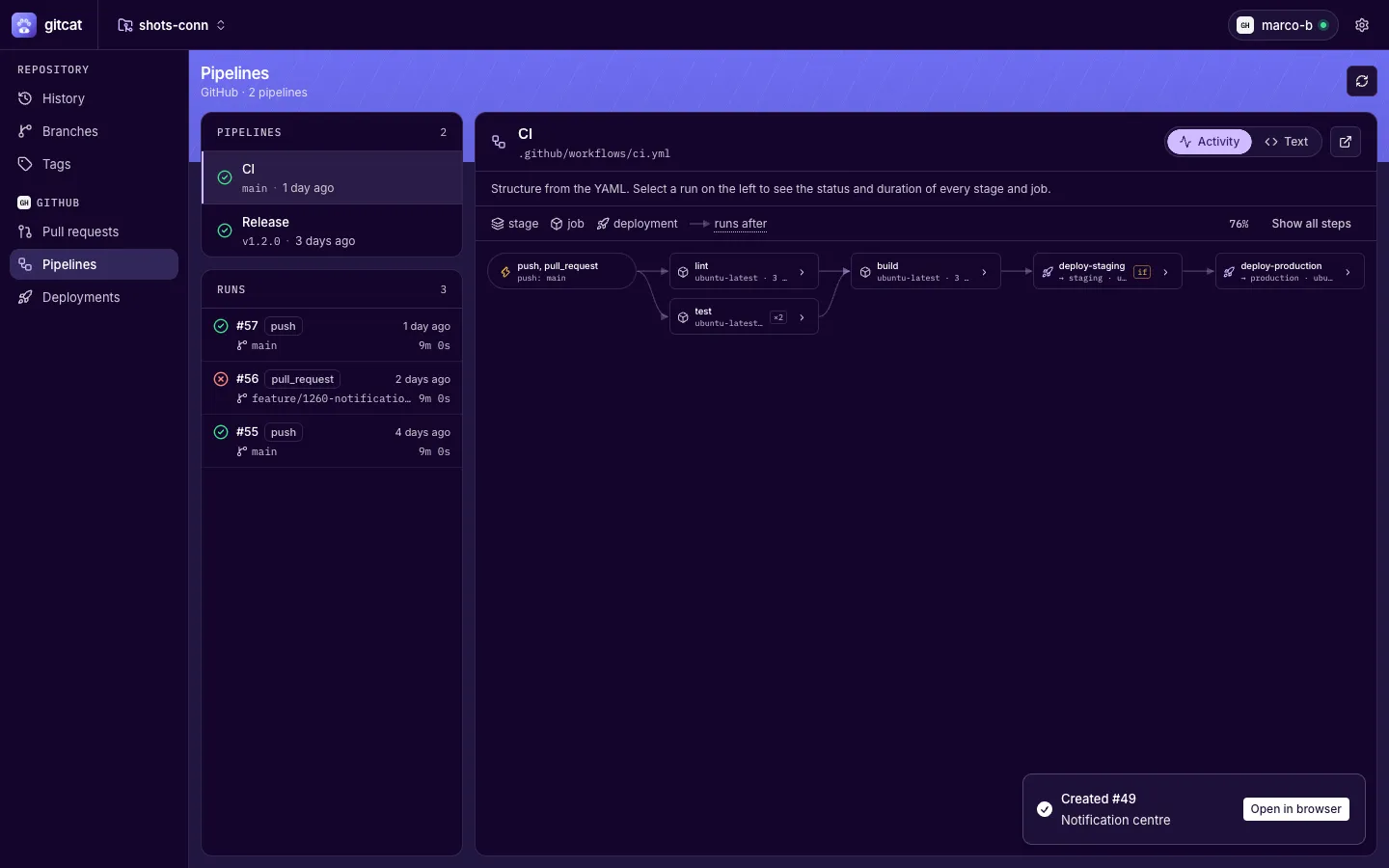
Built and tested.
Every pipeline run and every stage, next to the change it built.
On main since 18 March.
One changeset with its six commits, not six lines lost in git log.
Shipped in v2.5.0.
Tags and release notes from what really entered main.
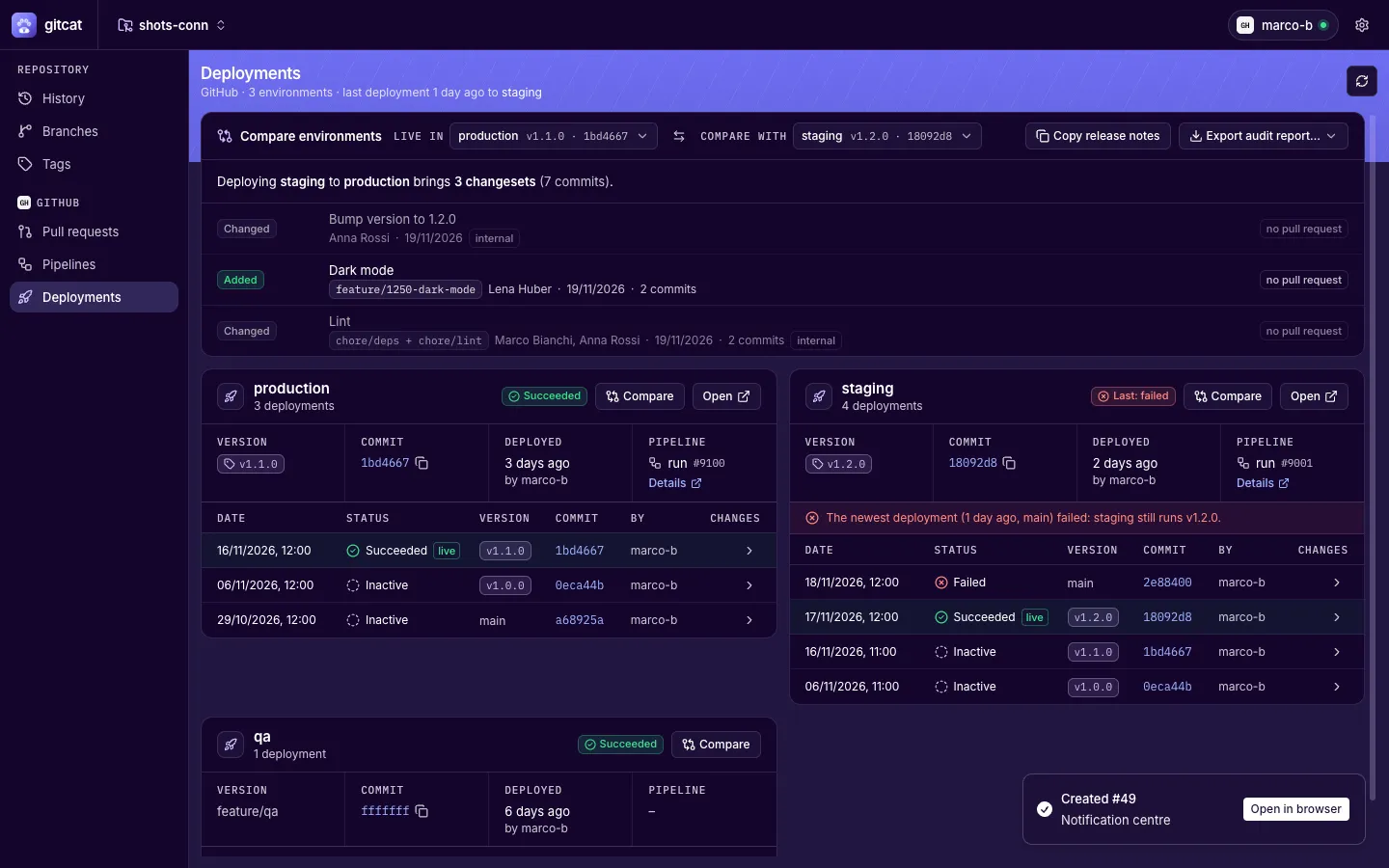
In production since Friday.
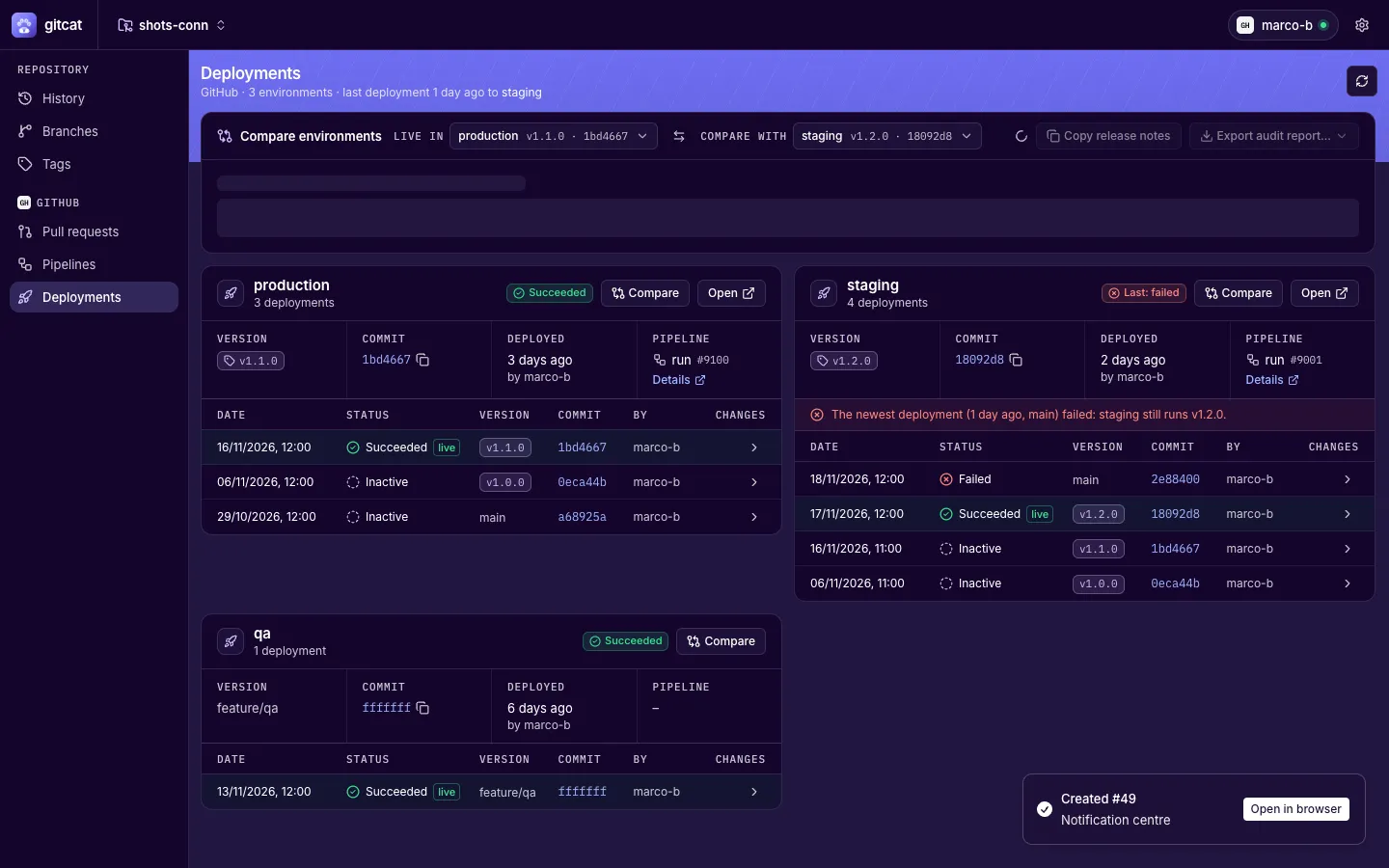
Staging on Wednesday at 14:02, production on Friday at 09:15, approved by Sara Rossi.
Every change, readable at a glance.
The whole repository, merge by merge, up to what runs in production.
Then the auditor asks about v2.5.0.
Every release carries its own evidence.
Open the release.
Everything that reached production with v2.5.0.
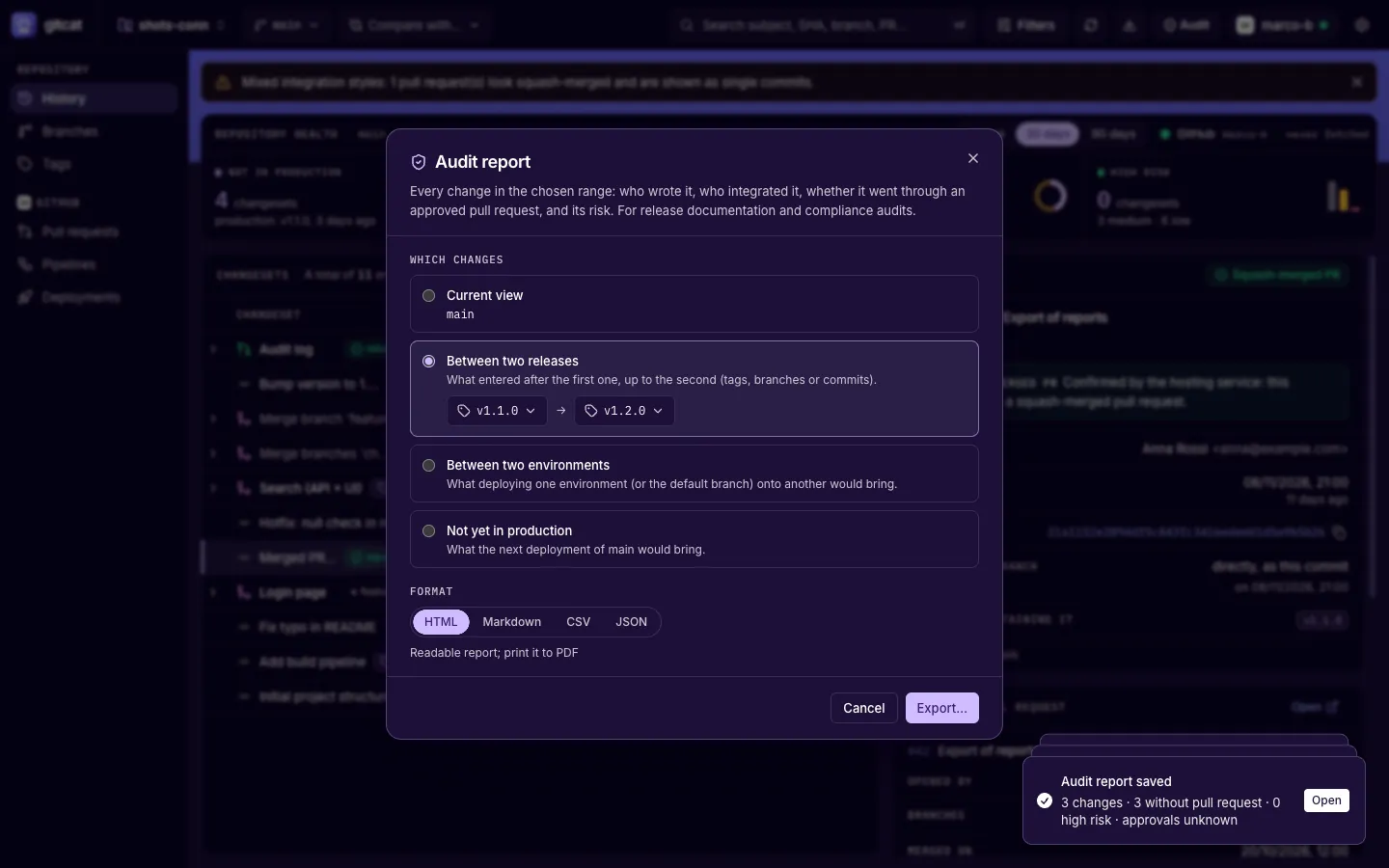
One audit report per release.
Approvals, pipeline runs and deployments of every changeset, read from Git and your hosting service.
Evidence for EU AI Act and NIS2.
Approved changes, tested builds, traced deployments and a record of every AI request made through mergecat.
Sealed with a fingerprint.
A SHA-256 fingerprint of the report: anyone can check it has not been changed.
What entered your branch, and when.
For product managers, tech leads and compliance. Free for macOS, Windows and Linux.